Breaking News 🥳: Spysales - Your Exclusive Tracking Solution After Shopify Updates

Most ecommerce advice assumes that every seller can open a Stripe or PayPal account.
The normal instructions are simple:
However, this process does not work for everyone.
Stripe is not available in every country. PayPal may have limited receiving features in some regions. Dropshipping businesses can also face payment reserves, delayed payouts, account reviews, or restrictions.
Some sellers therefore create foreign companies before they have even tested their first product.
That is not always necessary.
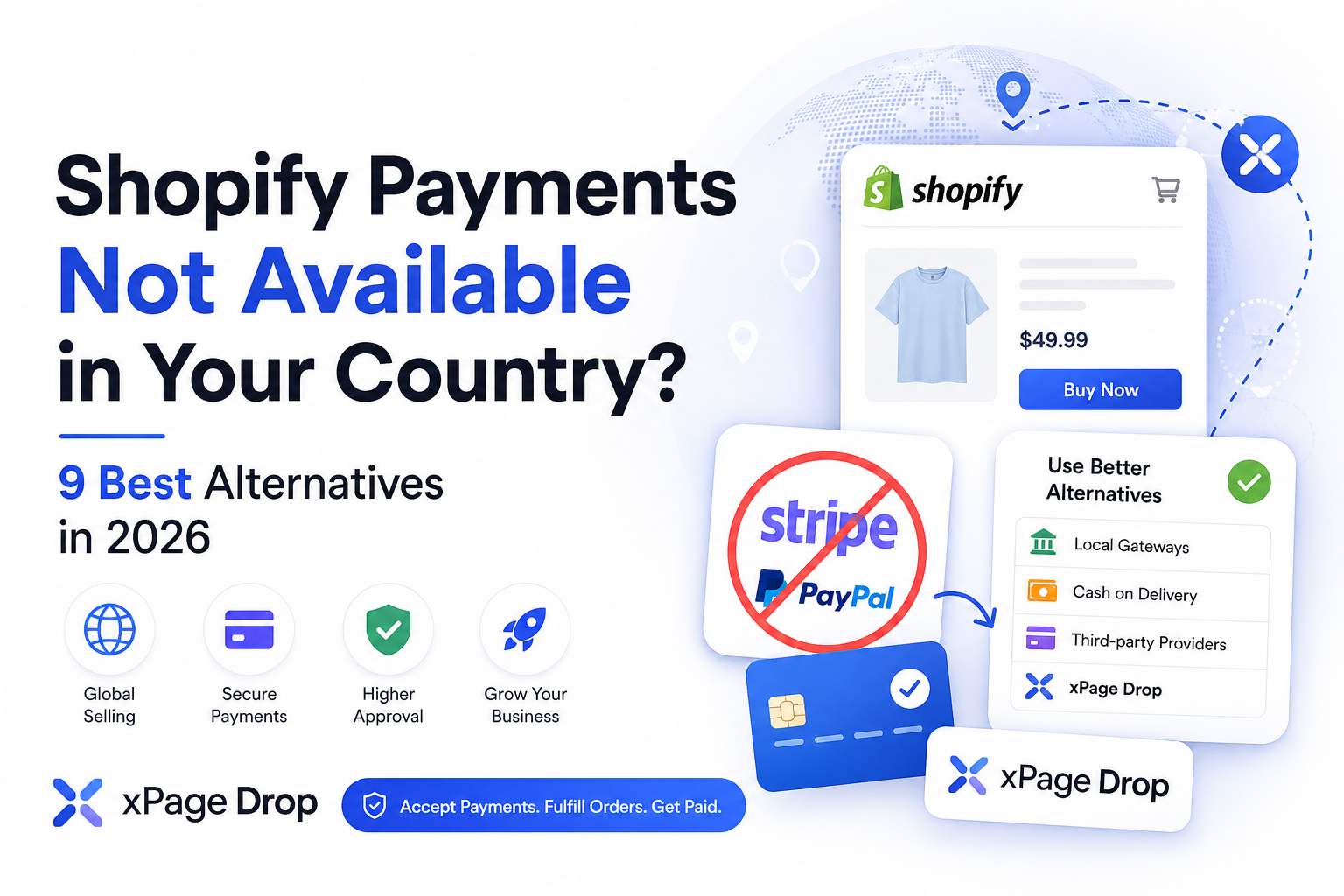
There are several ways to sell online without depending entirely on Stripe or PayPal. The right option depends on your country, product, target market, business model, and level of control you want over customer payments.
This guide explains the main options and how platforms such as xPage Drop approach the problem.
Yes.
Stripe is one payment processor. It is not the only way to accept customer payments online.
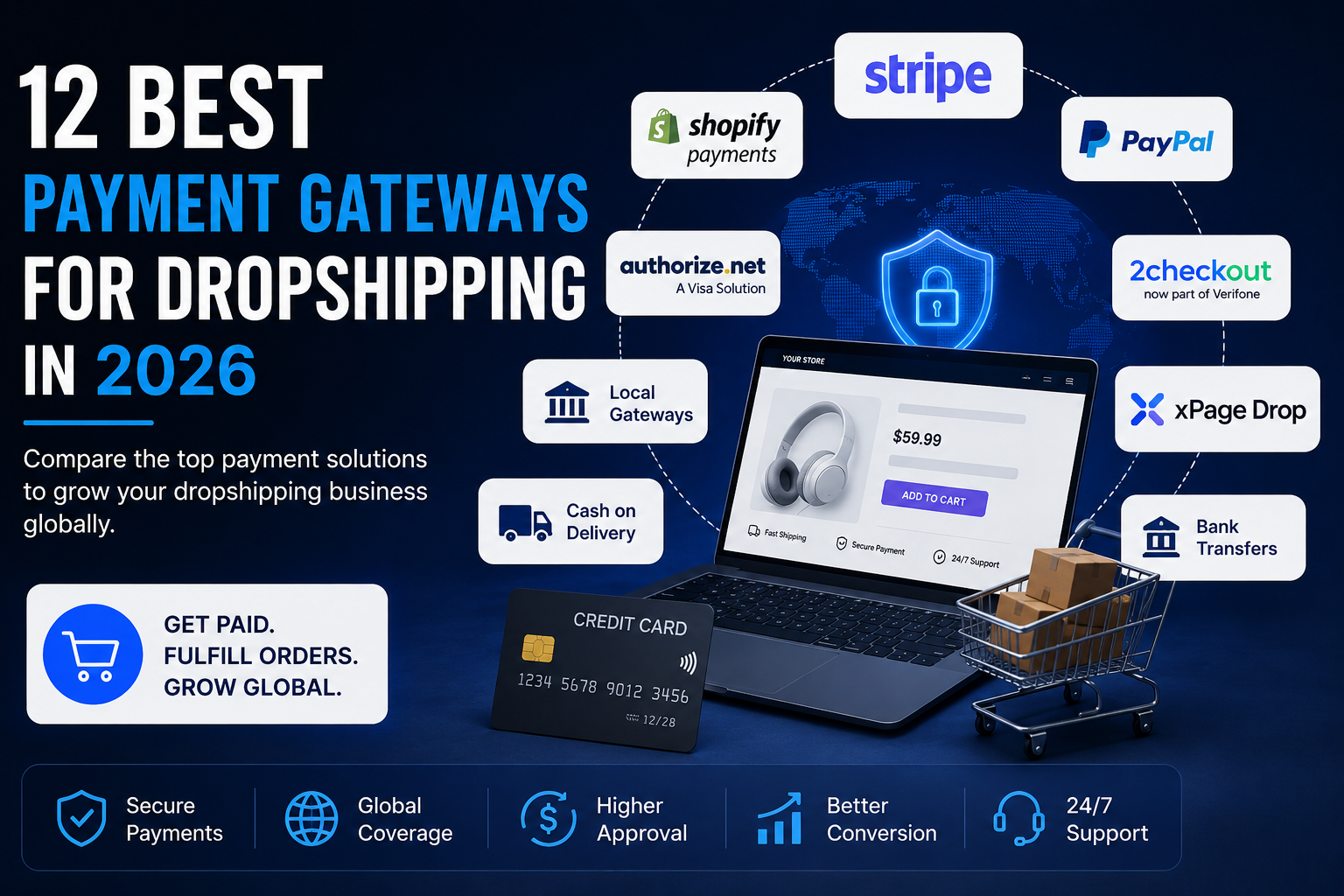
Depending on your country and business model, you may use:
The difficulty is not simply finding another checkout button.
The payment solution must also support:
A payment gateway can appear suitable at first but still reject dropshipping, physical products, new businesses, or sellers from unsupported regions.
Yes.
PayPal is optional for most ecommerce businesses.
Some customers prefer PayPal, but sellers can accept payments through credit cards, debit cards, bank transfers, local payment methods, cash on delivery, or another payment provider.
The main concern is conversion.
Removing PayPal may reduce trust for some buyers, particularly in markets where PayPal is widely used. The impact depends on the country, audience, product price, and payment methods available at checkout.
A store does not need PayPal to operate, but it should provide trusted alternatives.
Sometimes, but this depends on the country, payment provider, marketplace, and amount of activity.
Some platforms allow individuals or sole traders to begin selling. Others require a registered company before they activate payment processing.
There is an important distinction:
Starting without a foreign company does not mean operating without legal or tax responsibilities.
You may not need to create a US or UK company before validating a product, but you still need to follow the business, consumer-protection, and tax rules that apply to you.
Do not:
These methods may temporarily open an account, but they create a high risk of frozen funds and permanent suspension.
Many countries have local payment processors that support domestic companies and bank accounts.
A local gateway may offer:
This can be a strong option when most customers are located in the same country as the seller.
Best for: Sellers targeting customers inside their own country.
Cash on delivery allows the customer to pay when the order arrives.
The store can collect the order without processing an online card payment. The shipping company or delivery agent collects the money and later sends it to the seller.
Cash on delivery is common in regions where:
Cash on delivery can generate orders, but an order is not revenue until the customer accepts and pays for the package.
Best for: Sellers operating in strong cash-on-delivery markets with reliable local logistics.
Online marketplaces process customer payments on behalf of sellers.
Depending on availability and eligibility, sellers may use platforms such as:
The marketplace usually collects the customer payment, deducts its fees, and sends the remaining balance to the seller.
Best for: Sellers who prefer marketplace demand over building an independent store.
A seller can allow customers to pay through a domestic or international bank transfer.
This is more practical for:
It is less practical for normal consumer ecommerce because the payment process is slower and requires more effort from the customer.
Best for: Wholesale, high-value, or business-to-business sales.
Stripe and PayPal are not the only payment providers.
Depending on location and eligibility, sellers may find another processor that supports:
Before applying, verify that the provider supports dropshipping or your specific product category.
Do not rely only on the homepage. Read the provider’s restricted-business, prohibited-product, reserve, and payout policies.
Best for: Sellers who want direct ownership of their payment account and qualify for another provider.
A merchant of record is the legal seller responsible for processing customer payments and handling certain payment, tax, refund, and compliance obligations.
However, many traditional merchant-of-record services focus on:
Physical-product ecommerce creates additional responsibilities, including:
This means that many merchant-of-record platforms are not suitable for traditional dropshipping.
Always verify whether the service explicitly supports physical products.
Best for: Businesses whose products and countries are supported by the merchant-of-record provider.
Another option is a platform that handles customer payments and connects them directly to order fulfillment.
xPage Drop is built around this model.
Instead of requiring every eligible seller to connect a personal Stripe or PayPal account, xPage Drop manages the customer payment and coordinates the remaining order lifecycle.
This includes:
The seller controls:
The platform handles the operational flow that begins after the customer places and pays for an order.
The process can be summarized in six steps.
The seller chooses the product they want to sell and defines the selling price.
Sellers can use their available store setup or build ecommerce pages through xPage.
xPage is an AI ecommerce platform for generating product pages, landing pages, and online stores.
The customer visits the store, reviews the product, and completes checkout through the available payment methods.
For eligible transactions, the seller does not need to connect a personal Stripe or PayPal account.
The product is sourced, processed, shipped, and tracked through the connected fulfillment workflow.
After product costs, fulfillment costs, platform fees, refunds, reserves, and other applicable expenses are calculated, the eligible remaining balance is paid to the seller according to the payout schedule.
xPage Drop may be relevant to sellers who:
It may also fit beginners who understand marketing but do not want to manage payment accounts, supplier payments, customer support, and fulfillment separately.
The seller does not need to connect a personal Stripe account for supported transactions.
The seller is not required to depend on a personal PayPal merchant account.
The order can move from customer payment to supplier fulfillment inside one workflow.
The seller chooses the product, price, offer, store content, and advertising strategy.
Payment questions, order issues, and delivery concerns can be managed as part of the platform workflow.
Product costs, order expenses, fees, refunds, and seller profit can be calculated through one system.
A managed system is not suitable for every seller.
The seller does not directly own or control the underlying payment-processing account.
The platform may also apply:
Sellers should review these conditions before launching advertising.
A managed payment platform reduces operational complexity, but it does not remove risk, compliance, refunds, chargebacks, or customer-service obligations.
Neither model is automatically better.
The correct choice depends on the seller’s country, risk tolerance, experience, volume, product category, and business structure.
Before selecting a provider, evaluate the complete order lifecycle.
Confirm that the service accepts sellers or businesses from your actual country.
Check whether your products are restricted, prohibited, regulated, or considered high risk.
Some payment platforms support software and digital products but do not support physical-product dropshipping.
Understand how frequently funds are released and whether new sellers have longer waiting periods.
Check whether the provider can hold part of your balance to cover refunds and chargebacks.
Determine who approves refunds, sends money back to customers, and pays the related processing costs.
Review how disputes are handled and which evidence the seller must provide.
Reliable tracking and delivery are essential. Poor fulfillment can quickly create disputes and payment restrictions.
Determine who answers questions about delivery, refunds, damaged products, and missing orders.
Calculate the full cost, not only the advertised transaction fee.
Include:
A foreign company can provide access to more services, but it also creates costs and responsibilities.
These may include:
Validate the business model before creating unnecessary complexity.
Fake addresses, altered documents, and borrowed identities can lead to frozen funds and permanent account closures.
A payment gateway does not solve poor delivery.
Long shipping times, missing tracking, damaged products, and weak customer support can still create disputes and chargebacks.
A store can generate sales and still fail because the seller cannot finance fulfillment while waiting for payment settlements.
Revenue is not profit.
Seller profit must account for:
Payment accounts can be reviewed or restricted.
Build a legal backup plan before the business becomes dependent on one provider.
It is possible to sell online without Stripe or PayPal.
The main options include:
The correct option depends on where the seller lives, what they sell, where their customers are located, and how much direct control they need.
For sellers who qualify for their own reliable payment gateway, controlling the payment account may provide greater independence.
For sellers who cannot access Stripe or PayPal, or who want payments and fulfillment managed through one workflow, xPage Drop provides another model.
The principle is straightforward:
You do not need Stripe to sell online. You need a legal, reliable system that can collect customer payments, fulfill orders, handle problems, and pay the seller.
You can use a local payment gateway, cash on delivery, an ecommerce marketplace, bank transfers, another payment processor, or a managed payment platform such as xPage Drop.
Yes. Stripe is not required for dropshipping.
The seller still needs a method for collecting customer payments, paying suppliers, fulfilling orders, handling refunds, and receiving profit.
Yes. PayPal is optional.
Customers can pay using cards, bank payments, local methods, cash on delivery, or a managed checkout system.
Some providers allow individuals or sole traders to begin selling, while others require a registered company.
The rules depend on the seller’s country, the provider, the product, and the business volume. Legal and tax responsibilities may still apply.
The best option depends on the seller’s location and needs.
A local gateway may fit domestic sellers. Another payment processor may fit registered businesses. A managed platform such as xPage Drop may fit eligible sellers who need customer payments and fulfillment managed together.
xPage Drop does not act as a personal Stripe account.
It provides a managed model in which eligible customer payments, supplier fulfillment, customer support, profit calculation, and seller payouts are handled through the platform.
xPage Drop is designed around physical-product ecommerce and dropshipping, subject to product, country, seller, and compliance requirements.
The purpose of the managed model is to help eligible sellers operate without first connecting their own US Stripe account or creating a foreign company solely for payment access.
Local legal and tax requirements still apply.
xPage helps sellers build ecommerce stores and product landing pages.
xPage Drop manages eligible customer payments, supplier fulfillment, customer support, profit calculation, and seller payouts.
Using another legitimate payment method is legal.
The seller must still follow applicable business registration, tax, consumer-protection, product, payment, and ecommerce laws.